Dual-pane file management, documented

Two panes. Every storage. One clear view of your files.

SSExp is a reference library explaining how a modern Android file manager organises internal storage, SD cards, cloud accounts and network shares side by side — plus the archive handling and AES-encrypted vaults that keep the whole thing tidy and private.

2Independent panes
6+Cloud providers
8Archive formats
0Files we ever see
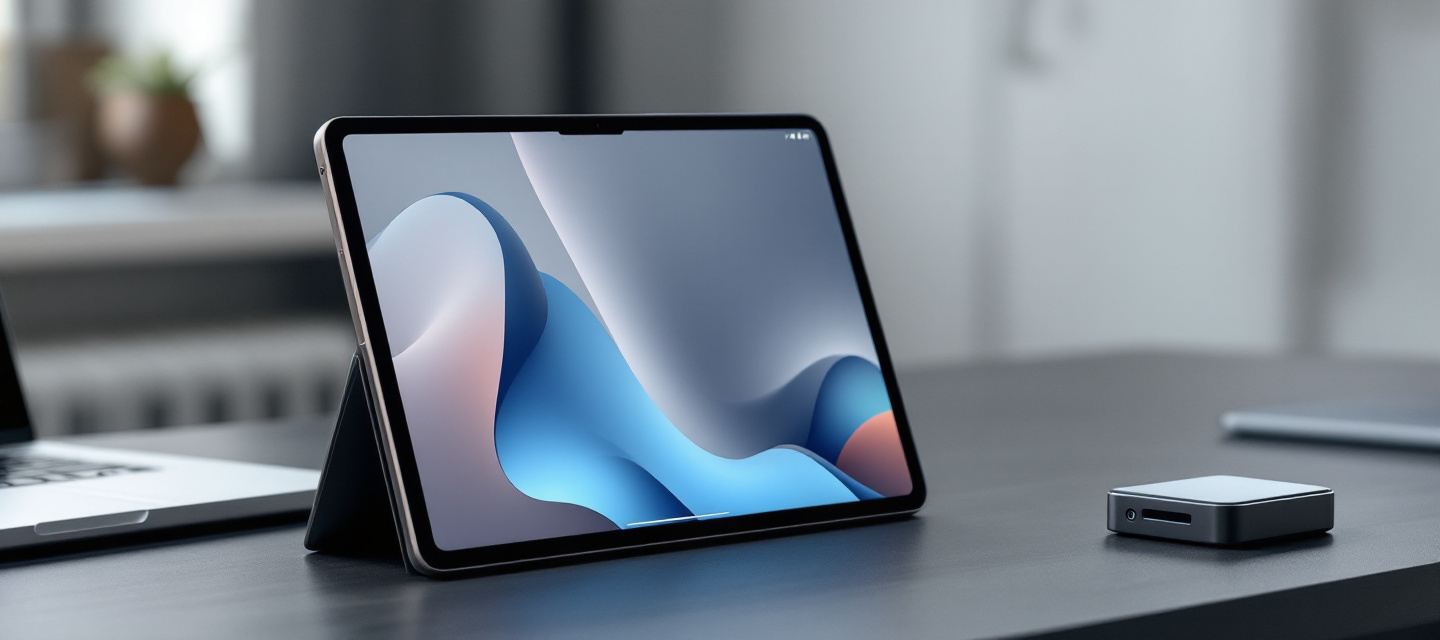
An Android tablet on a slate desk showing a two-column file browser next to a laptop and external drive
A dual-pane layout turns copy, move and compare tasks into a single gesture instead of a chain of navigation steps.
Core file management capabilities

Everything a power user expects, explained plainly

Each capability below is documented as a concept: what it does, when it helps, and what to watch out for on modern Android storage models.

True dual-pane browsing

Two independent panes with their own history, sort order and view mode. Drag a selection from left to right to copy; hold to move. On phones the panes stack and swipe; on tablets they sit side by side.

  • Per-pane bookmarks and tabs
  • Independent grid or list density

Cloud storage integration

Dropbox, Google Drive, OneDrive, Box, Mega and generic S3-compatible endpoints appear as ordinary folders. Transfers stream through the device rather than being cached in full, so large media moves without filling local storage.

  • OAuth tokens, never raw passwords
  • Resume on interrupted transfers

Comprehensive archive support

Browse ZIP, 7Z, RAR, TAR, GZ, BZ2, XZ and JAR containers as if they were directories. Extract a single entry without unpacking the whole archive, or create a password-protected ZIP straight from a selection.

  • Read-only RAR, full ZIP and 7Z write
  • Split and solid archive handling

Root explorer

On rooted devices, mounted system paths become visible with permission, owner and SELinux context columns. Remount read-write only when needed, and keep a change log of what was touched.

  • chmod / chown inspection
  • Clear read-only default posture

Encrypted vaults

AES-256 containers protect sensitive documents on shared or lost devices. Keys derive from your passphrase on-device; the vault stays sealed until it is explicitly unlocked and re-seals when the app leaves the foreground.

  • Per-file envelope encryption
  • No key escrow, no recovery backdoor

Network protocols

SMB / CIFS shares, FTP, FTPS, SFTP and WebDAV endpoints mount alongside local folders, so a NAS folder and the camera roll can sit in opposite panes during a backup session.

  • Per-host credentials in the keystore
  • LAN discovery of visible shares
How it works

From permission grant to finished transfer

A typical organisation session on modern Android follows four predictable stages.

Grant scoped access

Android 11 and later route access through the Storage Access Framework. You pick the tree — internal storage, an SD card, a USB OTG drive — and the manager receives a scoped handle instead of blanket permissions.

Attach remote locations

Cloud accounts authenticate over OAuth; network shares store credentials in the Android keystore. Each attached location becomes a first-class entry in the drawer with its own free-space indicator.

Work in two panes

Point the left pane at the source and the right pane at the destination. Multi-select with a long press, then copy, move, rename in bulk, or pipe the selection straight into an archive.

Verify and seal

Queued jobs report size, throughput and conflicts, retry failed entries, and can drop finished items into an AES vault. Nothing leaves the device except the transfer you asked for.

Security model

Local by default, transparent by design

File managers sit close to everything personal on a device, so the trust model matters more than the feature list. These are the principles this reference recommends when evaluating any Android file tool.

  • Indexes, thumbnails and caches stay on the device; no shadow copy of your library on a server.
  • Cloud access uses revocable OAuth tokens scoped to the folders you approve, never stored passwords.
  • Encryption keys derive on-device from your passphrase using a slow KDF; a lost passphrase means a lost vault, by design.
  • Root capabilities remain read-only until explicitly remounted, with an audit trail of what changed.
  • Permissions are requested in context, one purpose at a time, and are easy to withdraw.
Server racks and network cabling in a cool blue-lit data centre aisle
Cloud endpoints are just remote folders — the security boundary is the token and the transport, not the interface.
Comparison

Dedicated file manager vs. a stock storage browser

A neutral look at where a full-featured manager changes the workflow and where the built-in tool is perfectly adequate.

CapabilityFull dual-pane managerTypical stock browser
LayoutTwo independent panes, tabs per paneSingle list, one location at a time
Cloud accountsMultiple providers mounted as foldersUsually one first-party service
ArchivesBrowse and extract ZIP, 7Z, RAR, TAR familyBasic ZIP extraction only
Network sharesSMB, FTP, SFTP, WebDAVRarely supported
EncryptionAES-256 vault for selected filesRelies on device encryption alone
Root accessOptional system path explorer with permissions viewNot available
Bulk operationsQueued jobs, batch rename, conflict rulesSimple copy and delete
Learning curveHigher — more concepts to learnMinimal, ships with the device
Glossary

Key terms, defined once

The vocabulary that appears throughout Android storage documentation and app release notes.

SAF
Storage Access Framework — the Android system picker that hands an app a scoped, revocable handle to a folder tree instead of full filesystem access.
Scoped storage
The permission model introduced in Android 10 that limits apps to their own directories plus media collections unless the user grants a specific tree.
AES-256
A symmetric block cipher used for vault contents. Combined with a slow key-derivation function, it turns a passphrase into a key that resists brute force.
SMB / CIFS
The file sharing protocol used by Windows PCs and most NAS boxes. Version 2 or 3 is preferred; version 1 is deprecated for security reasons.
SFTP
File transfer tunnelled inside SSH. Unlike plain FTP, credentials and payload are encrypted end to end.
WebDAV
An HTTP extension for remote file operations, common with self-hosted drives and many European cloud providers.
Solid archive
A compression layout (typical in 7Z and RAR) where files share one compressed stream — smaller output, but slower single-file extraction.
Root explorer
A browsing mode on rooted devices that exposes system mount points with owner, mode and SELinux context, normally opened read-only.
OTG
USB On-The-Go — the mode that lets a phone act as a host so flash drives and card readers mount as external storage.
Frequently asked

Questions about this reference

Does SSExp sell software or subscriptions?

No. vohixii.buzz is strictly informational and educational. There is no checkout, no licence key, no account area and no paid tier anywhere on this site. Everything published here explains concepts and terminology so you can evaluate Android file management tools on your own terms.

Do you host app downloads or installer files?

We do not distribute binaries, APKs or mirrors of any kind. Always obtain Android applications from the official store listing or the developer's own site, and check the signature and permission list before installing.

Which Android versions do the described features assume?

The documentation targets Android 8 through the current release. Behaviour around scoped storage differs noticeably: up to Android 9 broad file access was common, Android 10 introduced scoped storage, and Android 11 and later route most external access through the Storage Access Framework.

Is root access required for anything described here?

Only the root explorer section. Dual-pane browsing, cloud accounts, network shares, archives and encrypted vaults all work on a completely stock, unrooted device. Rooting changes your device's security posture and may void warranty coverage — we describe it, we do not recommend it.

How should encrypted vaults be backed up?

Copy the sealed container itself to a second location such as a NAS folder or a cloud account. Because keys are derived on-device from your passphrase, no one can recover the contents for you if that passphrase is lost — store it in a password manager, not inside the vault.

Do you collect any information about my files?

None. This is a static informational site: it never touches your device storage, has no upload capability and contains no forms. The only data involved is anonymous traffic analytics described in our Cookie Notice and Privacy Policy.

Start with the fundamentals

Understand your storage before you reorganise it

Read the capability breakdown, learn the vocabulary, then decide which workflow — dual-pane, cloud-first or archive-heavy — actually matches how you use your device. Questions are welcome at support@vohixii.buzz.